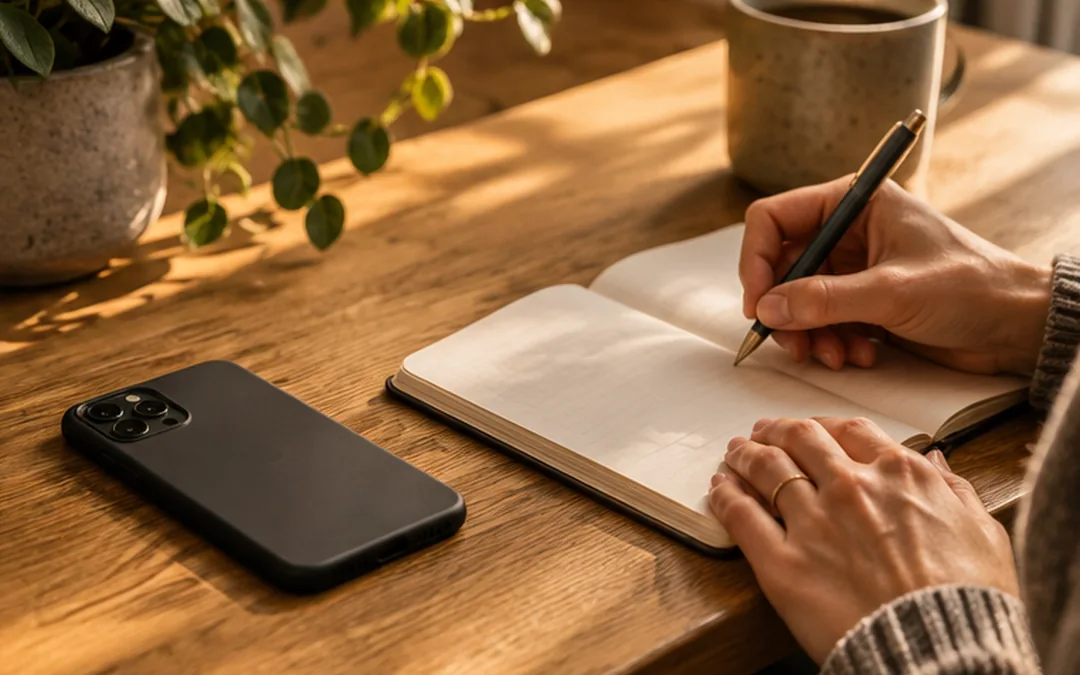
Many people pick up their phone before they have properly decided how they want to spend the day. A phone-free morning is not a test of willpower. It is a practical way to make the first part of the day feel like your own.
Why the first half-hour can matter
Your morning usually contains natural gaps: waiting for the kettle, getting dressed or lying in bed. Notifications and feeds are ready to fill those gaps, and an unplanned check can easily become a longer session. Keeping the phone out of reach introduces a helpful pause before the first decision to open an app.
There is no universal scientific rule saying that exactly 30 minutes offline will improve everyone’s wellbeing. Thirty minutes is simply a useful, repeatable starting point. If your mornings are crowded, ten minutes is still a valid experiment.
Prepare the evening before
Choose a place for your phone that is not next to your pillow. Use a separate alarm clock if that suits you, or set an alarm and leave the device across the room. Decide what you will do before you wake up, because planning an alternative is easier than improvising when you feel sleepy.
If you share responsibilities with family members, make sure urgent contacts can reach you. Focus settings can help, but only if you have reviewed the allowed people and calls. A routine that causes anxiety about being unreachable is not serving its purpose.
A simple 30-minute schedule
Minutes 0–5: Get out of bed, drink some water and open a curtain. Minutes 5–15: Wash, dress or prepare breakfast. Minutes 15–25: Sit down to eat, stretch gently or take a short walk. Minutes 25–30: Choose one priority for the day and decide when you will next check messages.
This is a sample schedule, not a productivity contest. Parents, shift workers and people with different energy levels will need different versions. The important part is that you have something to do instead of automatically opening a feed.
Make the phone less tempting
A charger outside the bedroom, a tidy breakfast area and a book within reach may reduce the number of decisions required. If you rely on your iPhone for a calendar or transport updates, decide on one brief, purposeful check rather than treating the entire device as forbidden.
You can also change your Home Screen or notification setup so that distracting apps are less prominent. Apple’s Focus feature offers another way to quiet some interruptions, though it does not necessarily block the underlying apps.
Test the routine for seven days
For one week, record only three things: whether you made space for the routine, what you did instead of scrolling and how it felt. Avoid measuring success exclusively through an app usage chart. You may discover that one morning activity is particularly satisfying, or that a different time window works better.
When a morning goes wrong, restart the next day without trying to compensate. Consistency usually grows from making the next attempt easier, not from punishing an exception.
Frequently asked questions
Can I use my phone as an alarm?
Yes. Place it farther from the bed or choose a separate alarm clock, whichever supports your routine without disrupting essential contact.
Do I have to avoid every screen?
No. The goal is to prevent automatic, unwanted scrolling. Intentional use for a necessary task is different from opening a feed by reflex.
Continue reading
Explore another practical step in the Unplugify Journal, or learn how Unplugify works if you want to combine offline activity with intentional app access.